CJ NOBLE VISUALS™
Scan-to-BIM • Revit • Visualization
Free Scan-to-Revit Checklist

How Ready Are You to Model Reality in Revit?
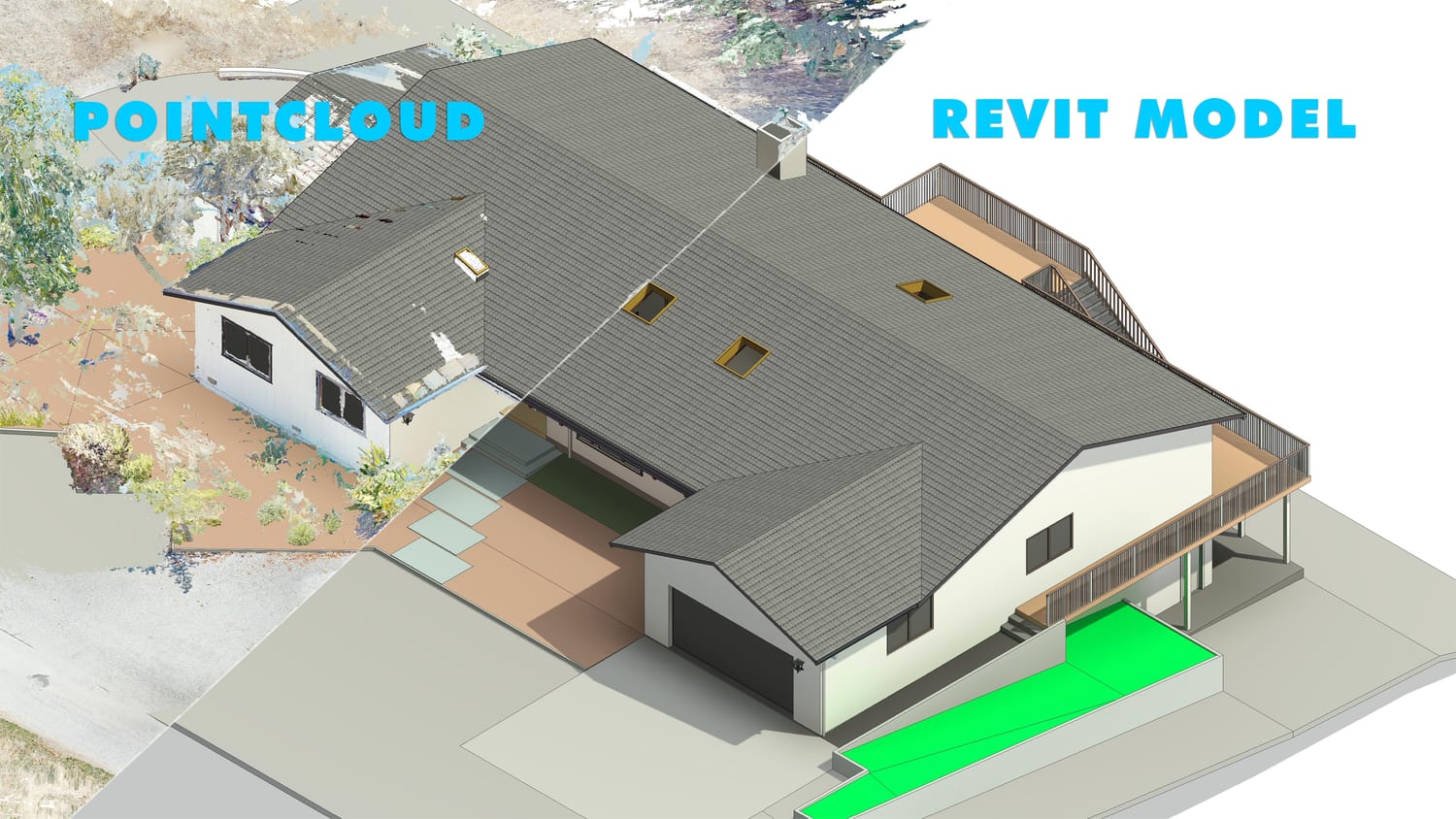
Before you take on a point-cloud-to-Revit project, find out exactly where your skills stand.
The Scan-to-Revit Readiness Checklist™ gives you 35 practical checkpoints across the complete workflow.
GET THE FREE CHECKLIST →
Scan-to-Revit Readiness Checklist
35
Practical Checkpoints
5
Critical Skill Areas
1
Complete Workflow
The Reality of Scan-to-Revit

Point clouds are easy to open. Modeling them correctly is another story.

You might already know Revit. You might already know how to model walls, floors, ceilings, doors and windows. But Scan-to-Revit requires a different way of working.
You need to know how to:

01

Read Point Cloud Information

Understand what the scan is actually telling you before you start modeling.

02

Set Up Revit Correctly

Build a project environment that supports accurate scan-based modeling.

03

Model From Reality

Translate real-world conditions into a useful and accurate BIM model.

04

Verify Your Model

Check your work against the point cloud instead of simply assuming it is correct.

05

Create Professional Deliverables

Turn the model into documentation that can actually be used by a project team.

Your Score

Don't just guess where you stand.

Complete the checklist and calculate your score to identify your current Scan-to-Revit skill level.
0–10

Foundation Stage

You're starting to build the fundamentals.

11–20

Developing

You understand the basics but still have important workflow gaps.

21–29

Project Ready

You're developing the skills needed for real Scan-to-Revit projects.

30–35

Advanced

You have a strong foundation across the complete workflow.

Get the Free Checklist

Find out where you stand.

Get the free Scan-to-Revit Readiness Checklist™ and assess your skills across the complete workflow.

Get Your Free Checklist