Your Checklist Is Ready.
Your free Scan-to-Revit Readiness Checklist™ is ready to download. Use it to assess where you currently stand across the complete point cloud → Revit workflow.
Download Your Free Checklist
Take a few minutes to work through the 35-point assessment. Be honest with your answers. The goal isn't to get a perfect score. It's to find out exactly where you need to improve.
Download The Checklist →PDF • Scan-to-Revit Readiness Checklist™ • 35 Points
Test the complete workflow.
Point Cloud Understanding
Check whether you can confidently navigate, interpret, and extract useful information from point cloud data.
Revit Project Setup
Assess your ability to prepare a Revit environment correctly before starting the model.
Modeling From Reality
Test your understanding of turning existing conditions into an accurate and usable Revit model.
Verification & Quality Control
Find out whether you have a reliable process for checking your model against the scanned reality.
Professional Documentation
Assess whether your model can move beyond geometry into professional drawings and project deliverables.
Your Readiness Score
Your final score will show whether you're at the Foundation, Developing, Project Ready, or Advanced stage.
Don't just download it.
Use it.
Download the checklist.
Save the PDF somewhere you can easily access it.
Go through all 35 points.
Answer based on what you can actually do today—not what you think you should be able to do.
Calculate your score.
Your score will give you a clearer picture of your current Scan-to-Revit readiness.
Identify your biggest gap.
Don't try to fix everything at once. Find the part of the workflow that's currently holding you back.
See what's inside.
A practical 35-point assessment designed to help you understand exactly where you stand in the Scan-to-Revit workflow.
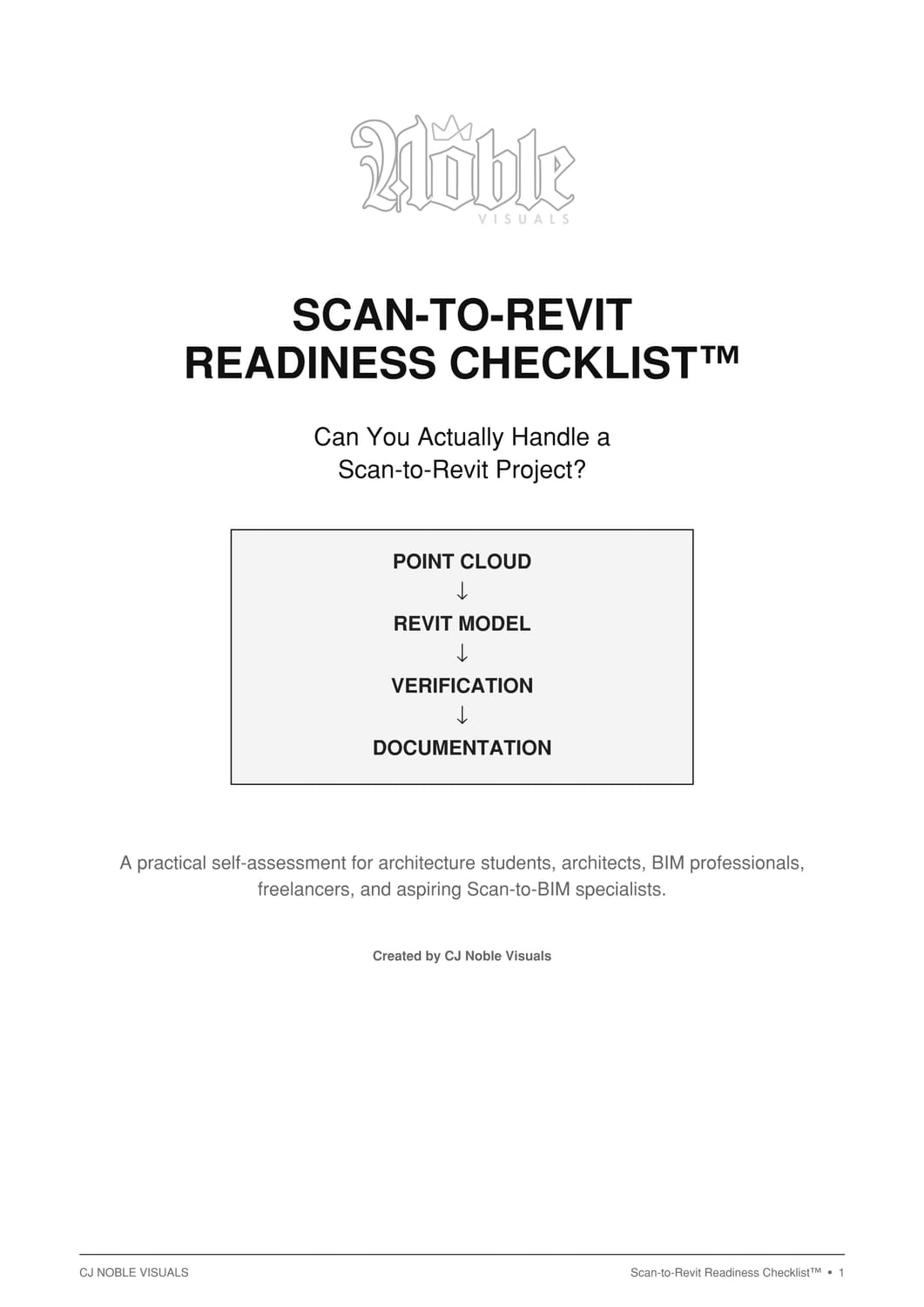
Scan-to-Revit Readiness Checklist™ • CJ Noble Visuals™
Know where you stand. Then build the skill.
Scan-to-Revit is more than knowing how to click around Revit. You need a repeatable workflow for turning scanned reality into an accurate, verified, professional model.
Explore Scan-to-Revit Mastery™ →Create Your Free Account